
Docs room
A block editor your team will use
A Notion-style block editor with a slash menu, tables, and rich blocks. Pages nest infinitely, and inline search finds anything. Write it once, find it forever.
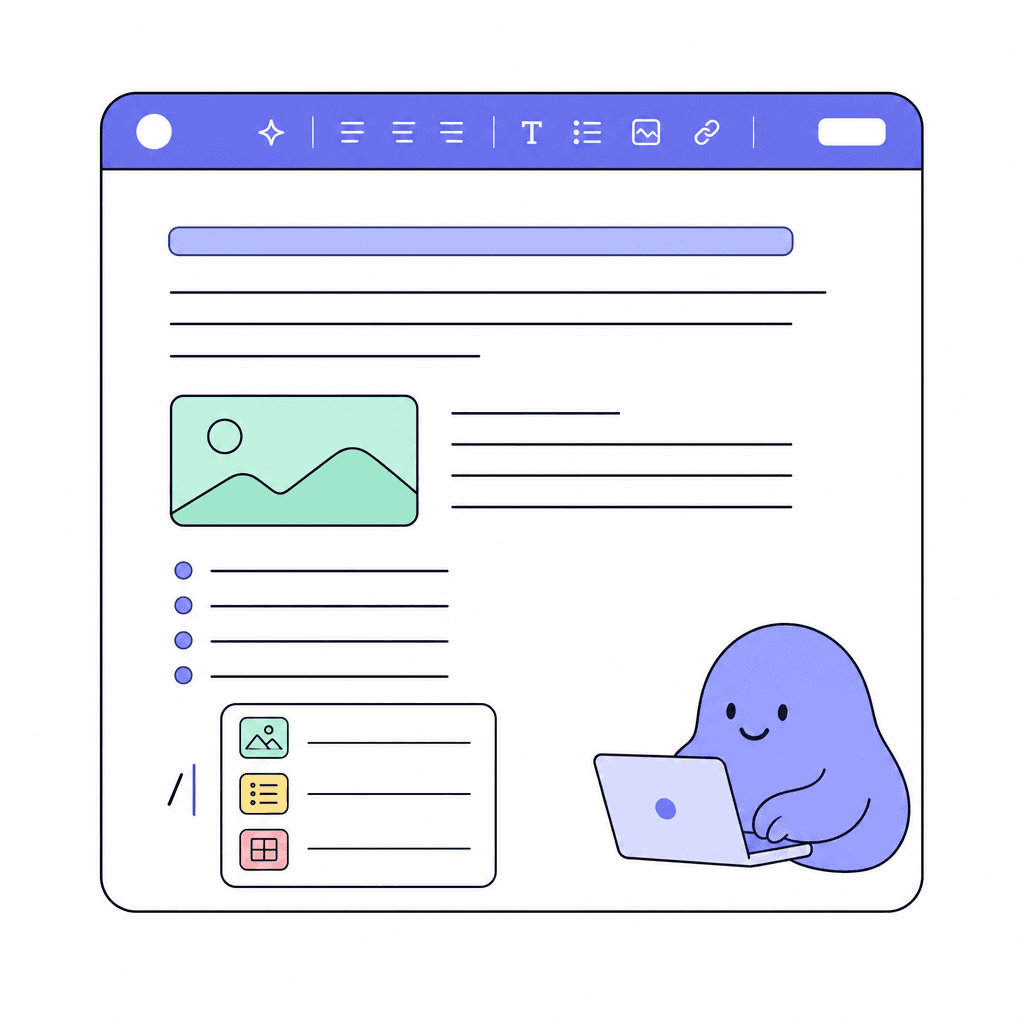
Docs is where your team writes things down properly. Hit slash and pick a block: text, tables, and rich blocks compose into anything from a meeting note to a product spec. The editor works the way modern editors should, so nobody needs training to contribute.
Pages nest inside pages, infinitely, so structure grows with your content: a team page holds project pages, project pages hold specs and notes. Inline search cuts through the tree when you just need the doc, not the hierarchy.
What you get
Everything inside Docs
Slash menu
Type a slash and insert any block. No toolbars to hunt through; formatting happens at the speed of typing.
Rich blocks
Tables and rich block types let a single page carry structure, not just prose. Specs, notes, and plans all fit.
Infinitely nested pages
Pages live inside pages, as deep as you need. Your doc tree can mirror how your team actually organizes its work.
Inline search
Search inside the room to jump straight to the page you need, no matter how deep it's nested.
A home per team
Each Docs room lives in a workspace, with per-room visibility, so every team can have its own doc tree with the right audience.
Next to the work
Docs sit in the same workspace as your boards, chat, and feed. The spec lives one click from the sprint that builds it.
Made for moments like these
- Write product specs that live one click away from the sprint board
- Keep meeting notes nested under each project's page, findable by search
- Draft the onboarding guide new hires read in their first week
- Maintain team processes as living pages instead of stale attachments
One less tool to pay for
Teams typically use Docs to replace:
See how Openbook stacks up in our comparison guides.
FAQ
Common questions
How is Docs different from Wiki?+
Docs is a Notion-style block editor with a slash menu and infinitely nested pages; great for specs, notes, and living documents. Wiki is a markdown knowledge base with a side-by-side GitHub-flavored preview; great for teams who think in markdown. Use whichever fits, or both.
Is the editor hard to learn?+
No. If you've used any modern block editor, you already know it: type to write, hit slash for blocks, drag to arrange. Tables and rich blocks are in the same menu. Most people are productive in their first session.
How do we keep a big doc tree organized?+
Nest pages to match your team's structure: area pages hold project pages, project pages hold specs and notes. When the tree gets deep, inline search jumps you straight to the page you need.
Who can see our docs?+
That's up to you. Openbook has Owner, Admin, Member, and Viewer roles plus per-room visibility, so a Docs room can be open to the whole workspace or restricted to certain people.
Add a Docs room in seconds
Every room type is included on the free plan. Compose the workspace your team deserves.