
Check-in room
Standups and pulse checks, async
Scheduled check-ins, mood tracking, and status flags replace the daily standup call. Team Pulse analytics and publishable digests show leaders how the team is really doing.
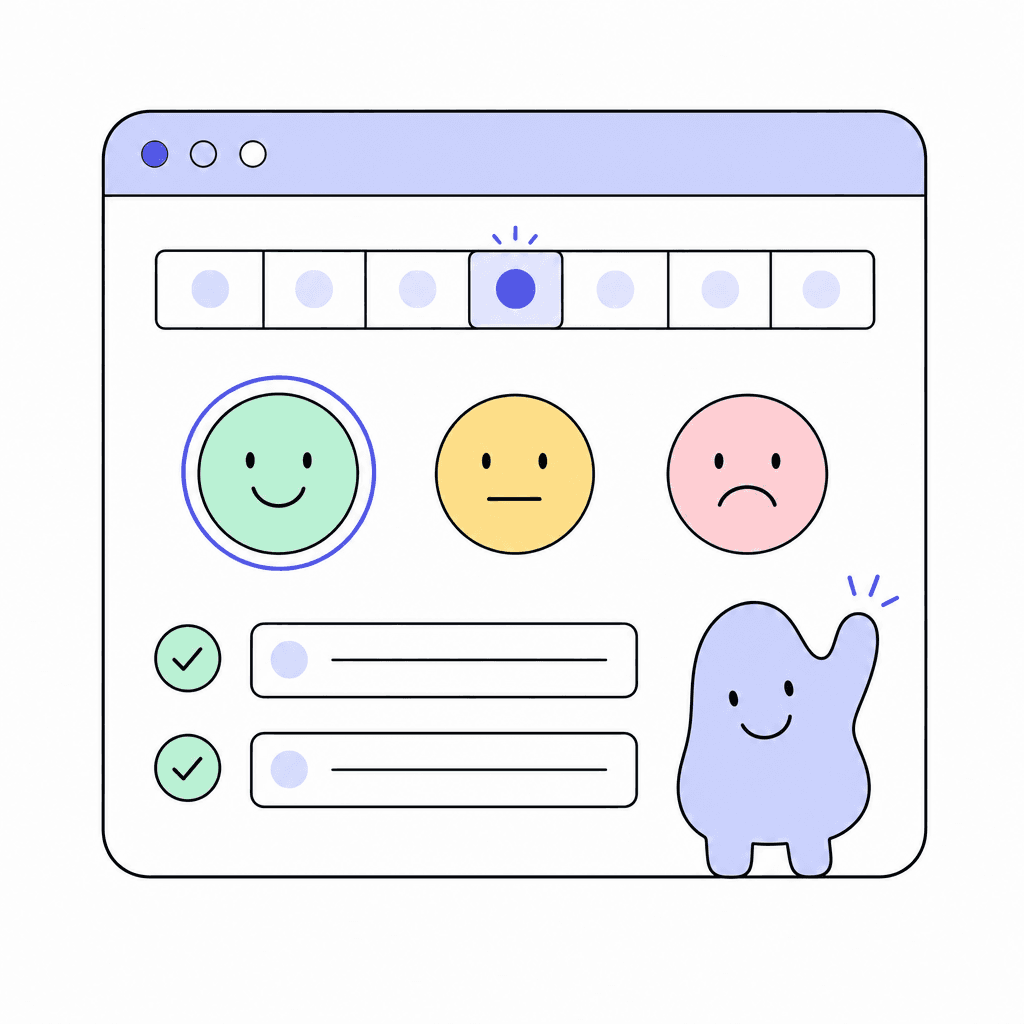
Check-in runs your standups and pulse surveys on a schedule, in writing. A 36-template library across industries means you're not inventing questions from scratch, whether it's a daily engineering standup or a monthly wellbeing pulse. People answer when it suits them, and everyone reads on their own time.
Each check-in carries a mood: green, yellow, or red. Status flags like Blocked, Help, Milestone, and Kudos surface the entries that need action. Team Pulse analytics roll it all up into trends, and publishable digests turn a week of check-ins into a shareable summary.
What you get
Everything inside Check-in
36-template library
Templates across industries cover standups, retro-style prompts, and pulse surveys. Pick one and your first check-in is ready to send.
Scheduled check-ins
Set the schedule once and check-ins go out automatically. Daily standups, weekly reviews, monthly pulses; the cadence runs itself.
Mood tracking
Every check-in includes a green, yellow, or red mood. It's the fastest honest signal of how someone's week is actually going.
Status flags
Flags like Blocked, Help, Milestone, and Kudos mark entries that need attention, so blockers get spotted the day they're raised.
Team Pulse analytics
Moods and responses roll up into team-level trends. See morale shifting weeks before it would surface in a one-on-one.
Publishable digests
Turn a round of check-ins into a digest you can publish, so stakeholders get the summary without reading every entry.
Made for moments like these
- Replace the 9:15 standup call with a written check-in people answer before 10
- Run a monthly wellbeing pulse and watch Team Pulse trends across the quarter
- Catch a Blocked flag on Tuesday instead of hearing about it Friday
- Publish a weekly digest of team check-ins for the department head
One less tool to pay for
Teams typically use Check-in to replace:
See how Openbook stacks up in our comparison guides.
FAQ
Common questions
Will people actually fill these in?+
Short, scheduled, and async beats a meeting for most teams. Check-ins arrive on a schedule, take a few minutes to answer, and templates keep questions focused. Mood is one tap: green, yellow, or red. The lighter the ritual, the better it sticks.
What kinds of check-ins can we run?+
Daily standups, weekly reviews, and pulse surveys, for a start. The 36-template library spans industries, so you can start from a template that fits your team and adjust from there. Scheduling handles the cadence automatically.
How do managers spot problems early?+
Two ways. Status flags like Blocked and Help mark individual entries that need action today. Team Pulse analytics track mood and responses over time, so a slow slide from green to yellow is visible before it becomes a resignation letter.
Can we share results outside the team?+
Yes. Publishable digests summarize a round of check-ins into something you can share with stakeholders, so leadership gets the picture without reading every individual response.
Add a Check-in room in seconds
Every room type is included on the free plan. Compose the workspace your team deserves.