
Table Board room
A spreadsheet that runs your work
A monday.com-style database with colored draggable groups, nine column types, and bulk actions. Around 40 templates get you from blank page to working tracker in one click.
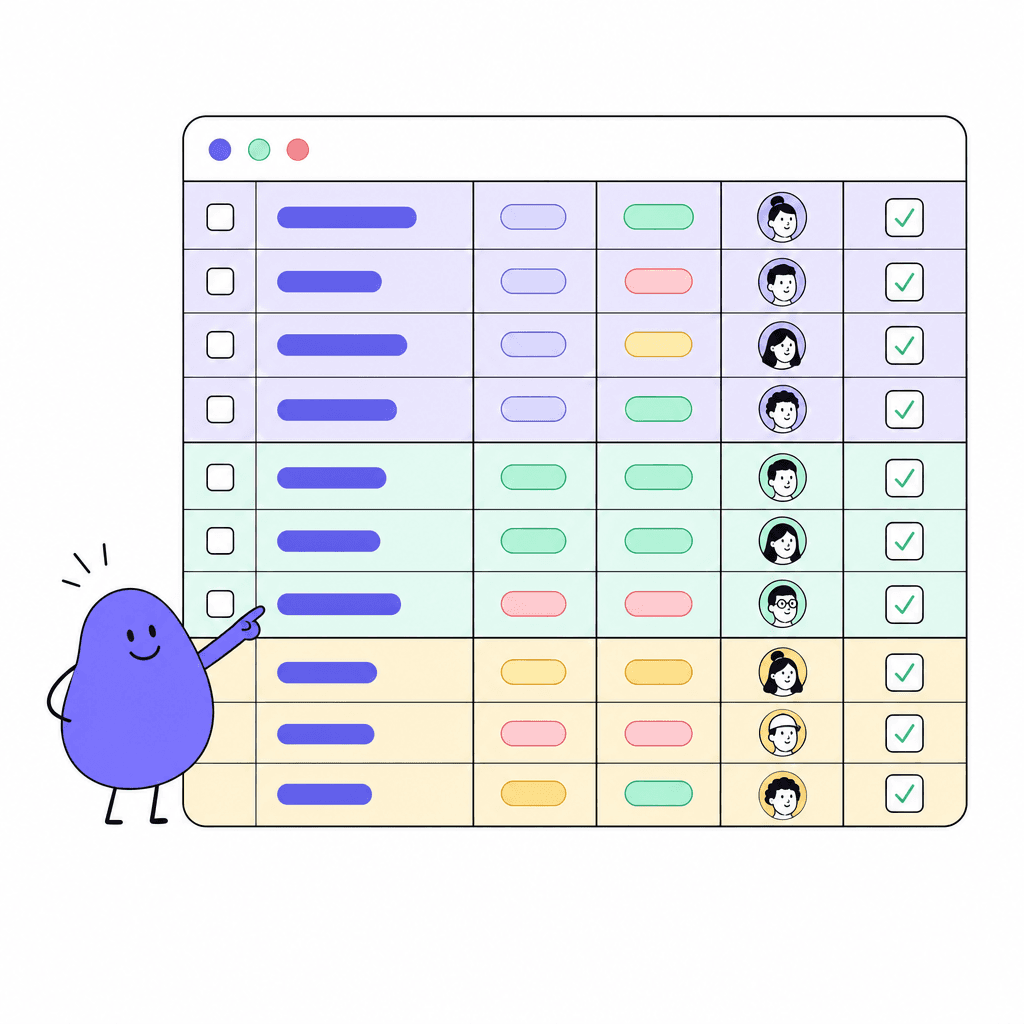
Table Board is the flexible tracker for everything that doesn't fit a kanban board: sales pipelines, content calendars, inventory, hiring, you name it. Organize rows into colored groups and drag them where they belong. Nine column types cover text, numbers, status, people, dates, tags, checkboxes, dropdowns, and progress.
When lists get long, bulk actions let you update many rows at once instead of clicking through them one by one. And you rarely start from scratch: around 40 templates, from sales pipeline to content calendar to inventory, give you a working structure the moment you create the board.
What you get
Everything inside Table Board
Colored draggable groups
Split your board into groups by stage, team, or month. Color them, drag them, reorder them. Structure that changes as fast as your work does.
Nine column types
Text, number, status, people, date, tags, checkbox, dropdown, and progress. Model your process precisely instead of cramming everything into text cells.
Bulk actions
Select many rows and update them together. Reassign, restatus, or clean up in seconds instead of editing one row at a time.
About 40 templates
Sales pipeline, content calendar, inventory, and dozens more. Pick one and start working with a structure that already makes sense.
People and status columns
Assign owners with the people column and track state with status columns, so every row shows who's on it and where it stands.
Feeds your dashboards
Dashboard rooms wire live to your boards, turning rows into stat tiles and charts without exporting anything.
Made for moments like these
- Run the sales pipeline with stages as groups and deal owners in a people column
- Plan a quarter of content in a calendar board the whole marketing team edits
- Track office inventory with checkbox and dropdown columns instead of a shared spreadsheet
- Manage hiring candidates through stages with bulk actions when batches move forward
One less tool to pay for
Teams typically use Table Board to replace:
See how Openbook stacks up in our comparison guides.
FAQ
Common questions
How is Table Board different from a spreadsheet?+
Columns have real types. A people column holds actual teammates, a status column holds real states, a date column holds real dates. That means grouping, bulk actions, and live dashboards work properly, where a spreadsheet just holds text that looks like data.
When should I use Table Board instead of Kanban?+
Use Kanban when work flows through stages as cards, especially for agile software work with sprints and backlogs. Use Table Board when you want rows and columns: pipelines, calendars, inventories, lists. Workspaces can have both, so you don't have to choose once for the whole team.
Do I have to build boards from scratch?+
No. There are around 40 templates covering common trackers like sales pipelines, content calendars, and inventory. Pick one, and the groups and columns are set up for you. You can change anything afterwards.
Can I report on board data?+
Yes. Create a Dashboard room and wire its widgets live to your boards. Stat tiles, progress bars, and charts update from the board itself, so reporting doesn't mean exporting to a spreadsheet every Friday.
Add a Table Board room in seconds
Every room type is included on the free plan. Compose the workspace your team deserves.