
Gantt room
Timelines you can actually drag
Drag-to-schedule timeline planning with milestones, drawn dependencies, and critical path. Import from boards, zoom from day to month, or let the AI plan generator draft the first cut.
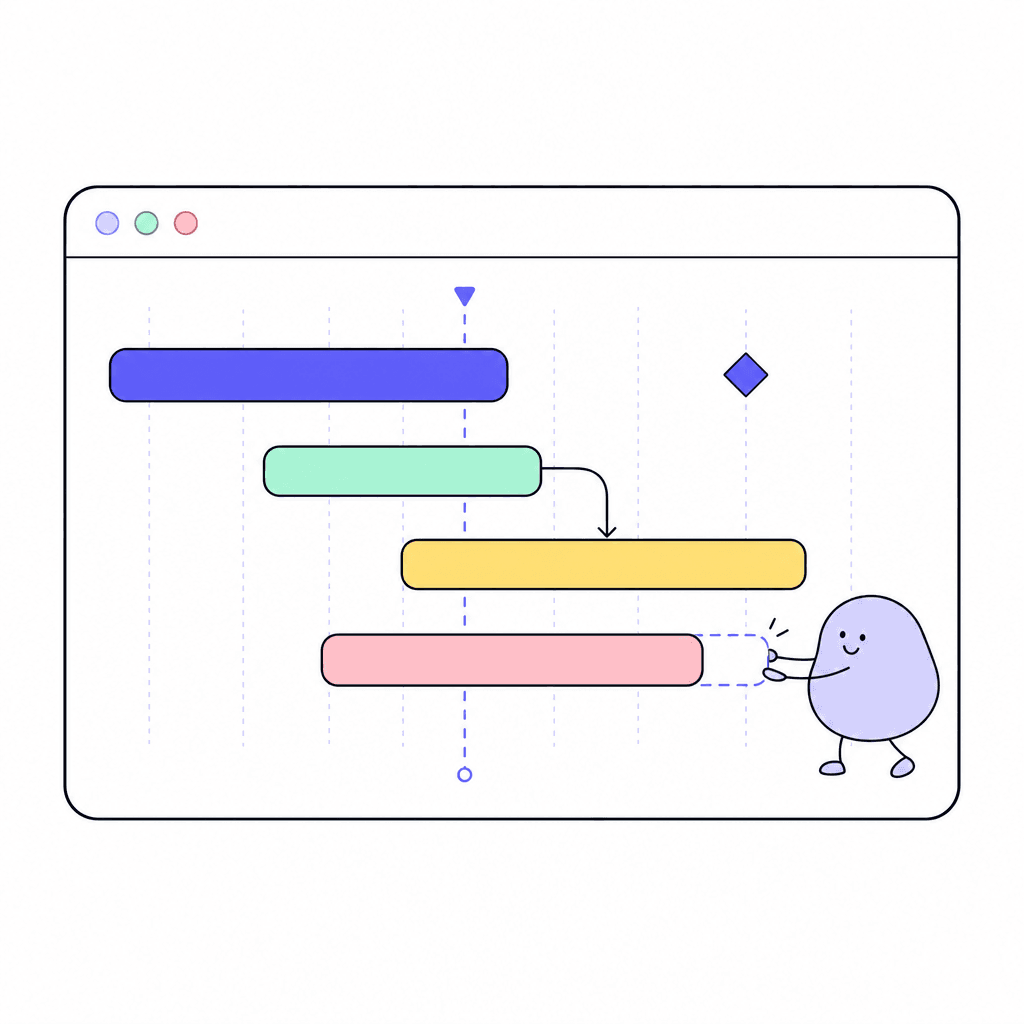
Gantt is for the plans where sequence matters. Drag bars to schedule work, draw dependencies between tasks, and mark milestones. The critical path shows which tasks actually determine your end date, so you know where slipping hurts and where it doesn't.
Zoom between day, week, and month views depending on whether you're running this week or planning next quarter. Import work from your boards instead of retyping it, start from one of 14 templates, or hand the AI plan generator a goal and get a first draft to shape.
What you get
Everything inside Gantt
Drag-to-schedule
Move and stretch bars directly on the timeline. Replanning takes seconds, so the plan stays true instead of going stale.
Drawn dependencies
Draw the links between tasks so the plan knows what waits on what. Sequencing becomes visible instead of tribal knowledge.
Critical path
See the chain of tasks that sets your end date. Focus attention where a slip actually moves the deadline.
Milestones
Mark the dates that matter: launches, reviews, handoffs. The timeline shows how the work lines up against them.
Import from boards
Pull work in from your existing boards instead of retyping it, so the timeline and the task list stay one body of work.
AI plan generator
Describe the project and get a draft plan to start from. Fourteen templates are there when you'd rather begin from a pattern.
Made for moments like these
- Plan a product launch with dependencies between engineering, marketing, and legal
- Show the critical path when a stakeholder asks what happens if a task slips
- Import the sprint board into a timeline for the quarterly planning review
- Draft a first project plan with the AI generator, then drag it into shape
One less tool to pay for
Teams typically use Gantt to replace:
See how Openbook stacks up in our comparison guides.
FAQ
Common questions
Do I have to rebuild my board work in the Gantt?+
No. Gantt imports from your boards, so existing work comes onto the timeline without retyping. Plan the sequence in Gantt while the team keeps working the board.
What is the critical path, and why care?+
It's the chain of dependent tasks that determines your finish date. Gantt computes and shows it, so when something slips you know immediately whether the deadline moved or you have slack. It turns schedule arguments into a picture.
How does the AI plan generator work?+
Describe what you're planning and it drafts a timeline you can edit like any other: drag bars, add dependencies, set milestones. It's a starting point that saves the blank-page hour, not a plan you're stuck with.
Can I zoom between detail and overview?+
Yes. Day, week, and month zoom levels let you run the current week in detail and review the quarter at a glance, on the same timeline.
Add a Gantt room in seconds
Every room type is included on the free plan. Compose the workspace your team deserves.