
Wiki room
Markdown knowledge base, live preview
A markdown knowledge base with side-by-side, GitHub-flavored live preview. Write in plain text, see the rendered page as you type, and keep team knowledge in a format that lasts.
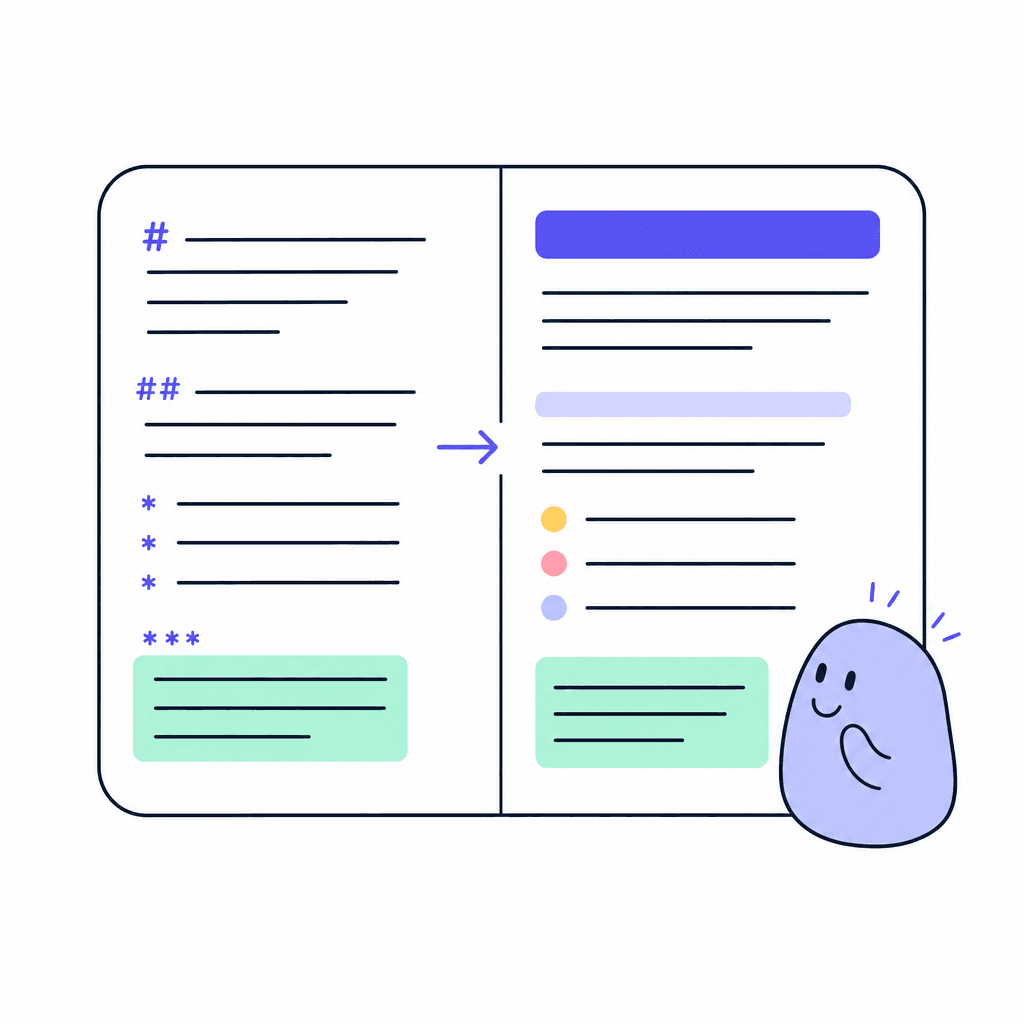
Wiki is for teams who think in markdown. Write on the left, watch the GitHub-flavored render appear on the right as you type. No mode switching, no surprises at publish time. If your team already writes READMEs and pull request descriptions, they already know how to use it.
Markdown is a format that lasts: plain text, portable, and diff-friendly. Your runbooks, conventions, and reference pages stay in a format any engineer trusts, inside the same workspace as the boards and chat where the work happens.
What you get
Everything inside Wiki
GitHub-flavored markdown
The markdown dialect your engineers already write every day. Code blocks, tables, and lists render just as they expect.
Side-by-side live preview
Source on one side, rendered page on the other, updating as you type. What you see is exactly what readers get.
Plain text underneath
Markdown is portable and future-proof. Your knowledge base isn't locked in a proprietary format.
Built for reference
Runbooks, API notes, conventions, and how-tos: the pages your team returns to for years belong in a wiki.
Scoped to your workspace
Each Wiki room lives in a workspace with per-room visibility, so engineering's wiki can be engineering's alone.
Findable from anywhere
Openbook's global command-K search reaches across your workspace, so wiki pages surface when people need them.
Made for moments like these
- Keep the on-call runbook where the whole team can find it at 3am
- Document API conventions in the format engineers already write daily
- Maintain a style guide with code samples that render correctly
- Move the team handbook out of a dusty shared drive into searchable pages
One less tool to pay for
Teams typically use Wiki to replace:
See how Openbook stacks up in our comparison guides.
FAQ
Common questions
Why markdown instead of a rich editor?+
Markdown is fast to write, easy to review, and never gets mangled by formatting quirks. For technical teams it's the native tongue. If your team prefers a block editor, use a Docs room instead; Openbook has both, and workspaces can hold either or both.
Do I have to preview in a separate tab?+
No. The live preview sits side by side with your markdown and updates as you type, GitHub-flavored, so code blocks and tables render exactly as readers will see them.
Who should use Wiki vs Docs?+
Wiki suits engineers and anyone who thinks in markdown: runbooks, conventions, reference pages. Docs suits block-editor fans writing specs and notes with tables and rich blocks. There's no wrong answer; pick per team, per room.
Can we restrict who sees the wiki?+
Yes. Per-room visibility and Owner, Admin, Member, and Viewer roles let you open a wiki to everyone or limit it to certain people. Each room sets its own audience.
Add a Wiki room in seconds
Every room type is included on the free plan. Compose the workspace your team deserves.