
Project Status room
Status updates without the meeting
Structured async status reporting. Standing questions, a goals board with red-amber-green status, and narrative updates with a full history timeline. Everyone knows where things stand without another call.
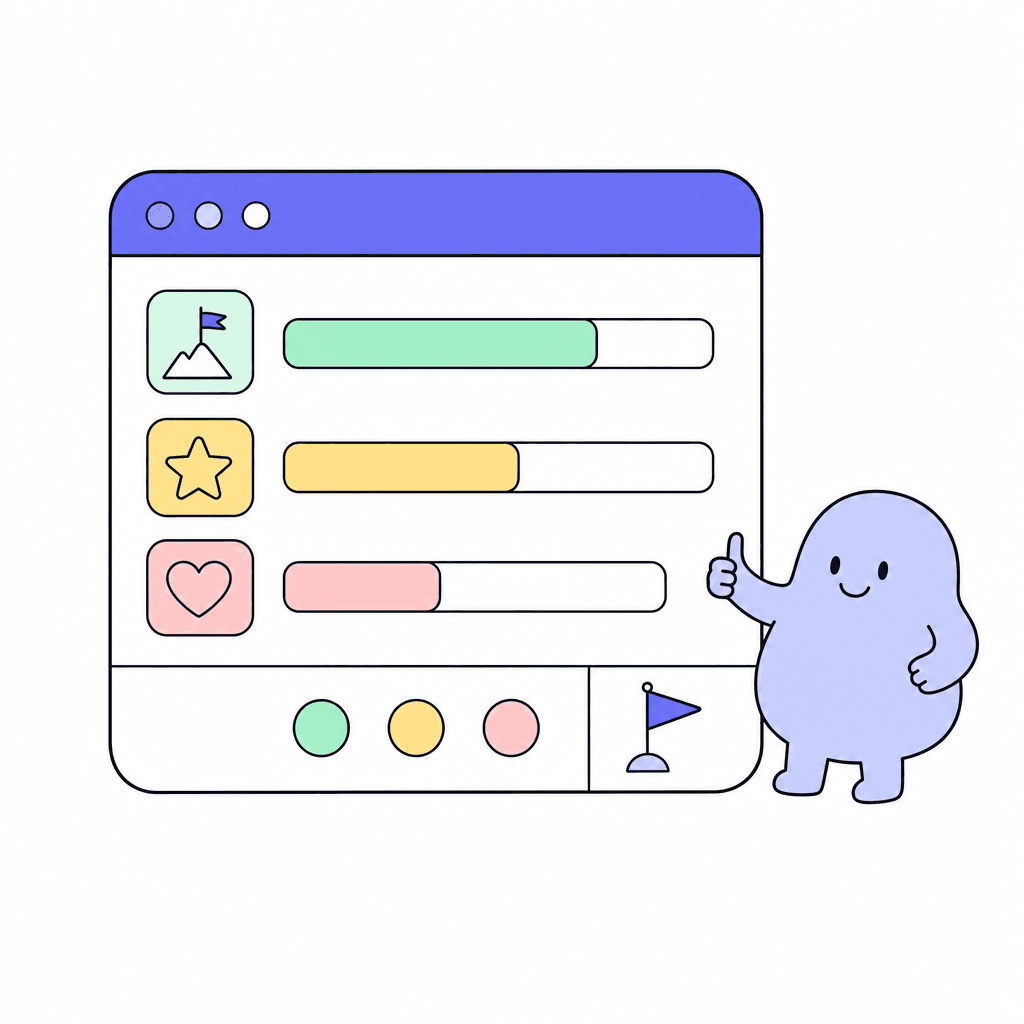
Project Status replaces the weekly status meeting with a structured written update. Standing questions give every update the same shape, so readers know exactly where to look. A goals board with RAG status shows at a glance what's on track, what's at risk, and what's off the rails.
Narrative updates add the context a color can't carry: what happened, what's next, what's blocked. Every update lands on a history timeline, so you can scroll back through the whole life of a project. New stakeholder joins mid-project? Point them at the timeline instead of scheduling a catch-up call.
What you get
Everything inside Project Status
Standing questions
Define the questions once and every update answers them. Consistent structure means readers can scan updates in seconds instead of decoding freeform prose.
Goals board
Track project goals on a dedicated board. Each goal carries its status, so the board reads as a live summary of the whole project.
RAG status
Red, amber, green. Three colors that tell leadership what needs attention right now, without anyone writing a slide deck about it.
Narrative updates
Colors say how it's going; narrative updates say why. Write the context, decisions, and blockers that a status dot can't express.
History timeline
Every update is kept on a timeline. Scroll back to see how the project actually unfolded, week by week, decision by decision.
Async by design
Updates are written, not spoken. People post on their own schedule and read on theirs. The status meeting becomes optional.
Made for moments like these
- Replace the Monday morning status call with written updates everyone reads by 10am
- Give the exec team a RAG view across goals without building a slide deck
- Onboard a new project lead by handing them the full update timeline
- Flag a goal amber early, with a narrative update explaining the risk
One less tool to pay for
Teams typically use Project Status to replace:
See how Openbook stacks up in our comparison guides.
FAQ
Common questions
How is this different from a task board?+
A task board tracks the work; Project Status tracks the story. Standing questions and narrative updates capture how the project is going, and the goals board with RAG status summarizes it for people who don't live in the tasks. Many teams use both, side by side in the same workspace.
What are standing questions?+
They're the questions every update answers, defined once for the room. Things like what shipped, what's next, and what's blocked. Because every update follows the same structure, updates are faster to write and much faster to read.
Can we see past updates?+
Yes. Every update is stored on a history timeline for the project. You can read back through the entire run of updates to see how status, goals, and blockers changed over time.
Does this really replace status meetings?+
For most teams, yes. Written updates with RAG status cover what the meeting covered, in less time, and on everyone's own schedule. Keep a short call for discussion if you like; the reporting part is handled.
Add a Project Status room in seconds
Every room type is included on the free plan. Compose the workspace your team deserves.