
Kanban Board room
The full agile toolkit, minus Jira
Board, list, tree, and timeline views. Backlog, sprints, story points, and sprint insights. Everything an agile team needs to plan and ship, without the weight of a dedicated issue tracker.
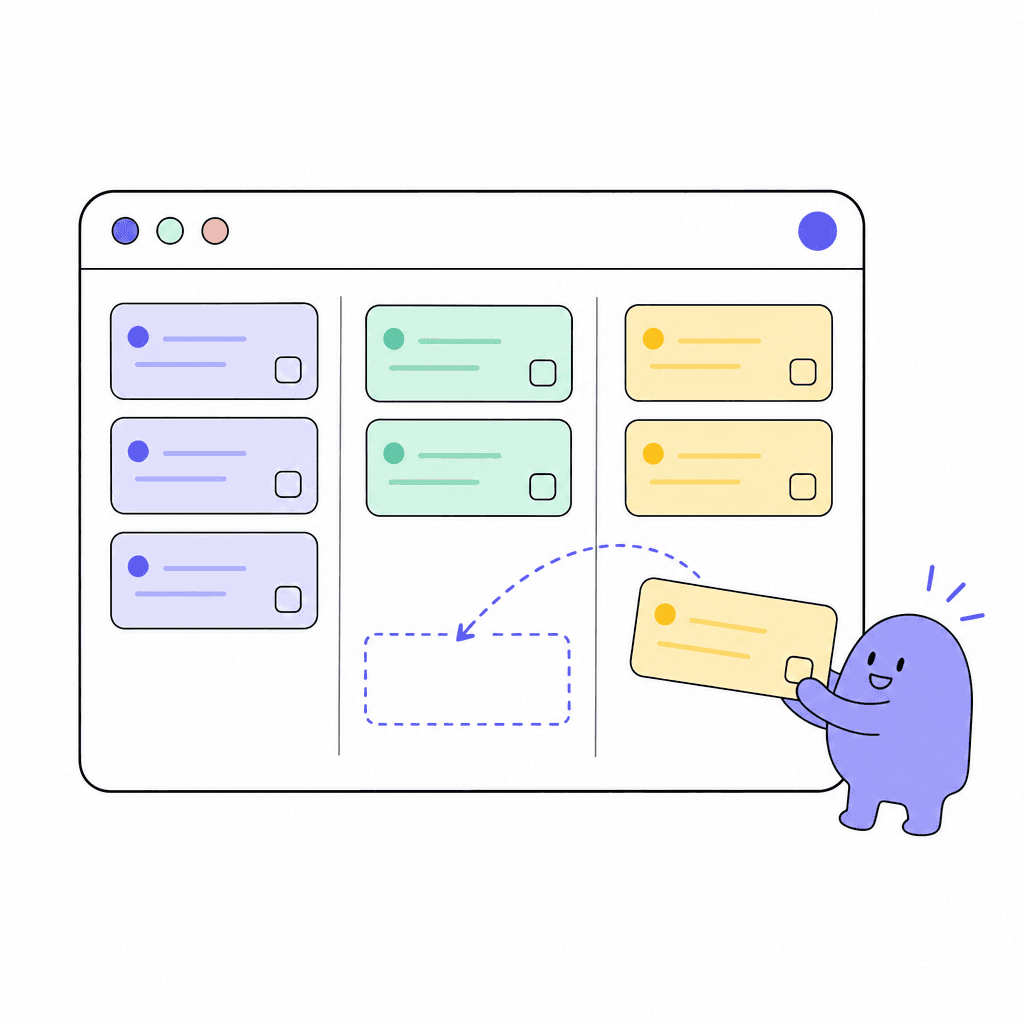
Kanban Board is a complete agile tool. Groom the backlog, plan sprints, and run a scrum board with story points, checklists, and custom fields on every card. Write test cases against the stories, run them, and file failures straight back onto the board as bugs. Switch between board, list, tree, and timeline views depending on whether you're working, prioritizing, or planning.
Sprint insights show how the sprint actually went, and user-flow diagrams let you map the experience next to the work that builds it. Card templates and 36 board templates mean consistent tickets without nagging, and a per-board AI chat is right there when you want help inside the context of the board.
What you get
Everything inside Kanban Board
Four views
Board for flow, list for scanning, tree for hierarchy, timeline for planning. Same cards, four ways to look at them, no duplicate data entry.
Backlog, sprints and story points
Groom a real backlog, estimate with story points, break cards down with checklists, and run the sprint on a scrum board. The full agile cycle lives in one room.
Sprint insights
See how each sprint performed once it closes. Retros and planning get grounded in what actually happened, not what people remember.
Test cases, runs and results
A test library on every board: cases with steps, runs with pass, fail, blocked and retest, and a one-click bug card when something fails. The proof a story works sits on the story, no TestRail needed.
Custom fields and card templates
Add the fields your process needs and template your card types, so every bug report and feature request arrives with the right details.
Per-board AI chat
Every board has its own AI chat. Ask questions and get help in the context of that board's work, without leaving the room.
Made for moments like these
- Run two-week sprints with backlog grooming, story points, and a scrum board
- Track a bug queue with card templates so every report includes reproduction steps
- Map a signup user-flow diagram next to the cards that implement it
- Review sprint insights in retro to set a realistic velocity for next sprint
- Run a regression pass before a release and file every failure as a bug linked to the story it broke
One less tool to pay for
Teams typically use Kanban Board to replace:
See how Openbook stacks up in our comparison guides.
FAQ
Common questions
Is this a real agile tool or just sticky-note kanban?+
It's the real thing: backlog, sprint planning, scrum board, story points, sprint insights, custom fields, and 36 templates. Teams run their whole delivery process in it. If you only want a simple card board, it does that too; the agile machinery is there when you need it.
Can non-engineers use it?+
Yes. Board, list, tree, and timeline views work for any team that moves work through stages. Skip the sprints and story points if you don't need them, or keep them for the teams that do. Custom fields let each board match its own process.
What does the per-board AI chat do?+
Each board gets its own AI chat, scoped to that board's context. It's part of Openbook's AI assistant, which can take real actions like creating tasks, and always asks for confirmation before doing anything destructive.
How do we see progress across boards?+
Wire a Dashboard room to your boards for live stat tiles and charts, or import board work into a Gantt room for timeline planning with milestones and dependencies. Both read from the boards, so there's no copy-paste reporting.
Does it handle test cases, or do we still need TestRail?+
Test management is built in. Each board has a test library of cases with steps and expected results. Link a case to every story it verifies, run cases in test runs (optionally for a sprint), and record passed, failed, blocked or retest. A failure can file a bug card on the board in one click, already linked to the story under test. A card shows its cases, runs and latest results in its side panel, and the Tests tab shows the whole library.
Add a Kanban Board room in seconds
Every room type is included on the free plan. Compose the workspace your team deserves.