
Townhall room
Company-wide events, run properly
A home for all-hands, AMAs and launches: a gallery of upcoming and past townhalls with live status, one-click RSVPs, and guest access when you want the outside world in.
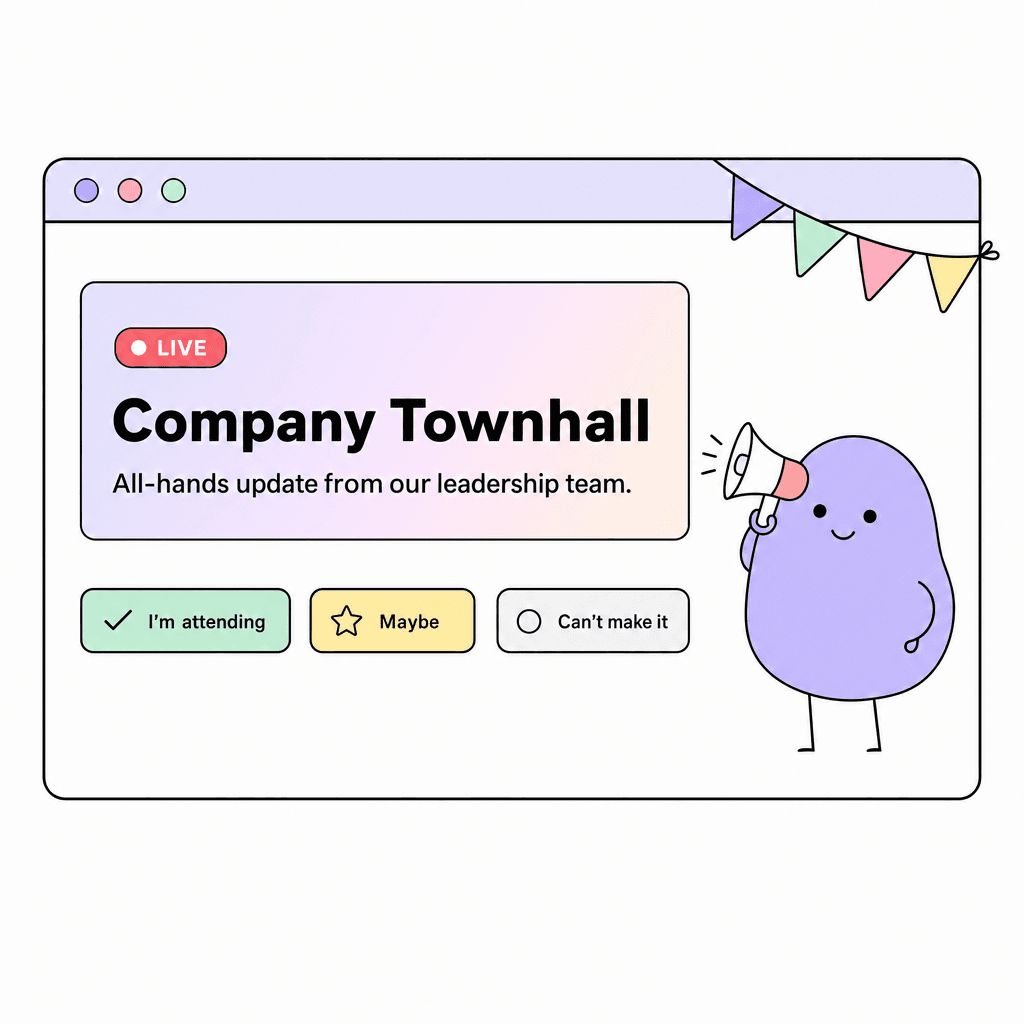
Townhall is the big-room counterpart to the Event room. Where Event handles team offsites and lunch-and-learns, Townhall is built for the moments the whole company shows up to: the all-hands, the quarterly review, the launch. Each townhall gets its own page with a banner, an agenda, a live status, and a running RSVP count.
Events move through draft, live and ended states, so organizers can stage everything quietly and flip it live when doors open. Guest access can be switched on per event, which means customers, candidates or a community can attend a launch without ever being members of your workspace.
What you get
Everything inside Townhall
A gallery, not a list
Townhalls display as a browsable gallery of upcoming and past events, so the company calendar reads at a glance.
Draft, live, ended
Stage an event in draft, go live when it starts, and keep the ended event as a record anyone can revisit.
RSVP counts that add up
Going, maybe or no — one click each, tallied live so organizers know their room size before the day.
Guest access per event
Open a single townhall to people outside the workspace without opening anything else.
Everything on the event page
Banner, time, agenda, discussion and stats live on one page instead of a calendar invite and four follow-up emails.
A history of the company
Past townhalls stay browsable, so the story of the company is on the record for everyone who joins later.
Made for moments like these
- Run the monthly all-hands with RSVPs and a persistent event page
- Host a public launch event with guest access switched on
- Stage the quarterly business review in draft and flip it live on the day
- Give new hires a browsable archive of every all-hands that came before them
One less tool to pay for
Teams typically use Townhall to replace:
See how Openbook stacks up in our comparison guides.
FAQ
Common questions
How is Townhall different from the Event room?+
Event is for team-scale happenings — offsites, trainings, socials. Townhall is for company-scale broadcasts with staging, live status, richer event pages and per-event guest access. Most companies use both.
Can people outside our company attend?+
Yes, per event. Switch on guest access for a specific townhall and share the link — guests see that event and nothing else in your workspace.
What happens after the event ends?+
The event flips to ended and stays in the past gallery with its page intact — agenda, discussion and stats included — as a permanent record.
Do RSVPs notify the organizer?+
RSVP tallies update live on the event page, so organizers watch going / maybe / no counts move as invites land.
Add a Townhall room in seconds
Every room type is included on the free plan. Compose the workspace your team deserves.